

This client uses the light server.
Video Guide
To set up the ESP32 for use with 01, follow this guide to install the firmware:
1
Download Arduino IDE
Download Arduino IDE
Get the Arduino IDE
2
Get the firmware
Get the firmware by copying the contents of client.ino from the 01 repository.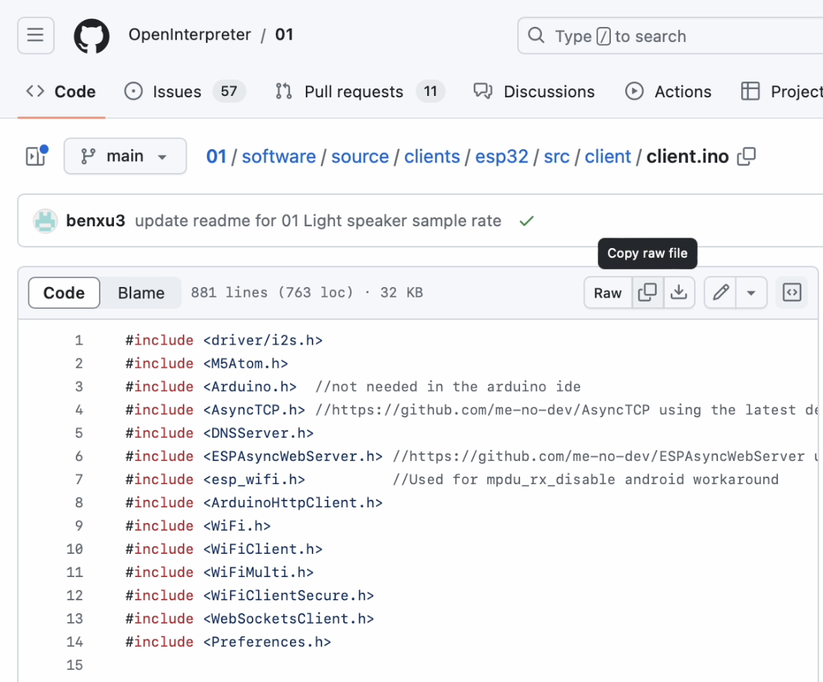
View client.ino
View the ESP32 firmware source code
3
Paste firmware into Arduino IDE
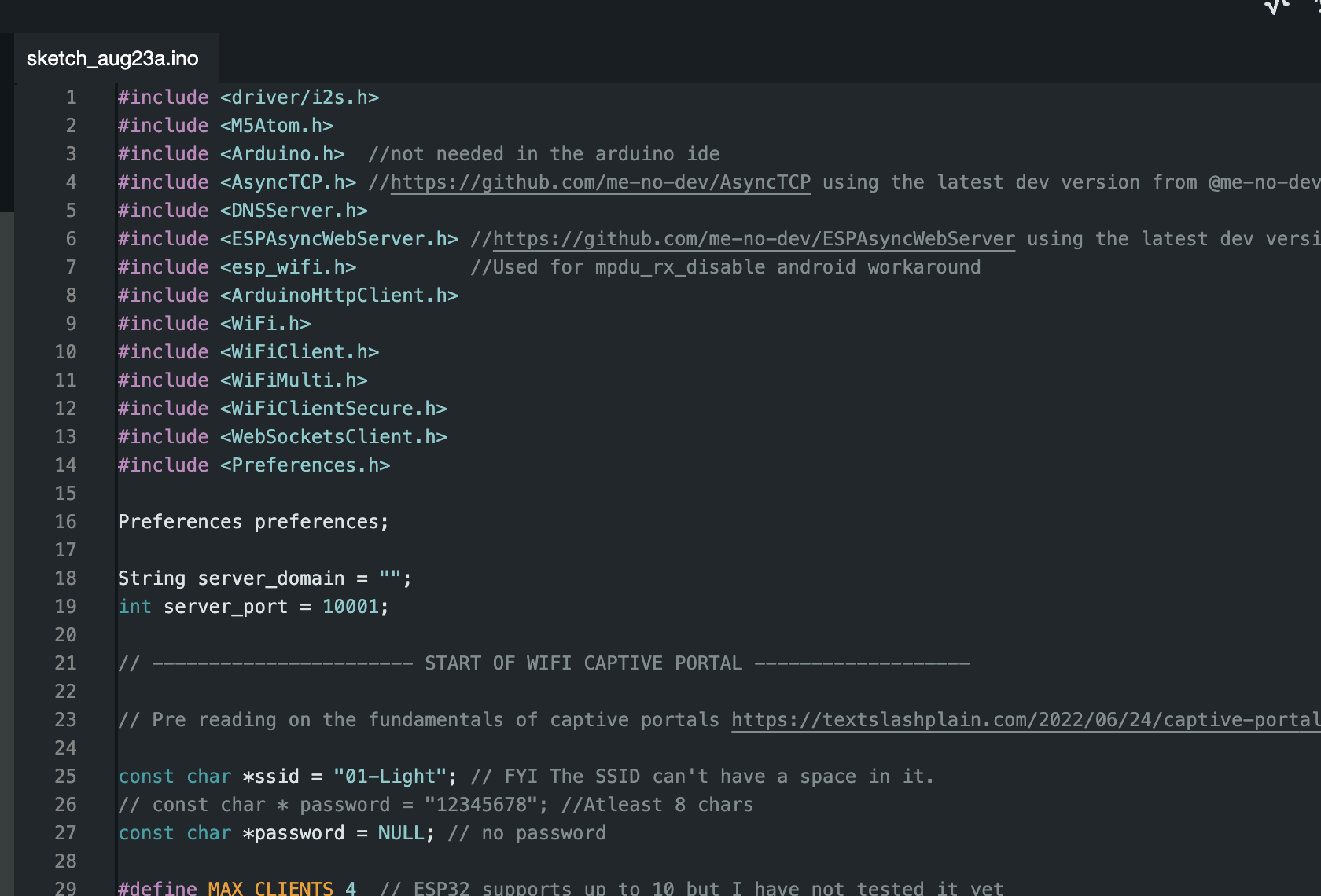
Open Arduino IDE and paste the client.ino contents.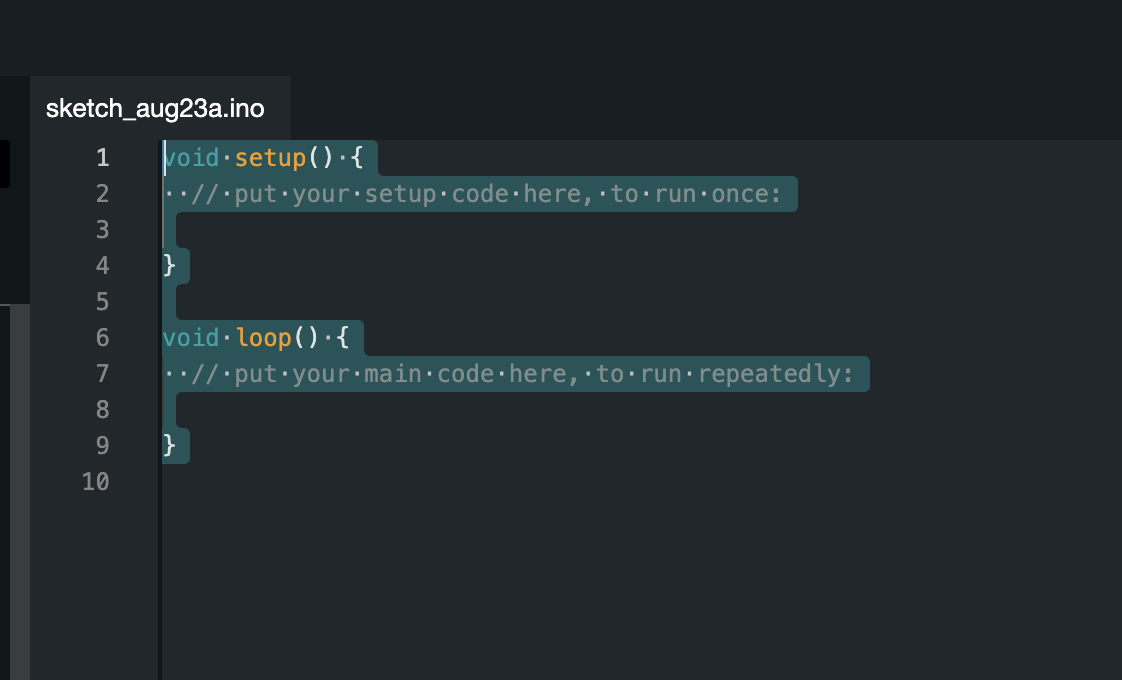
4
(Optional) Hardcode credentials
Hardcode your WiFi SSID, WiFi password, and server URL into the top of the 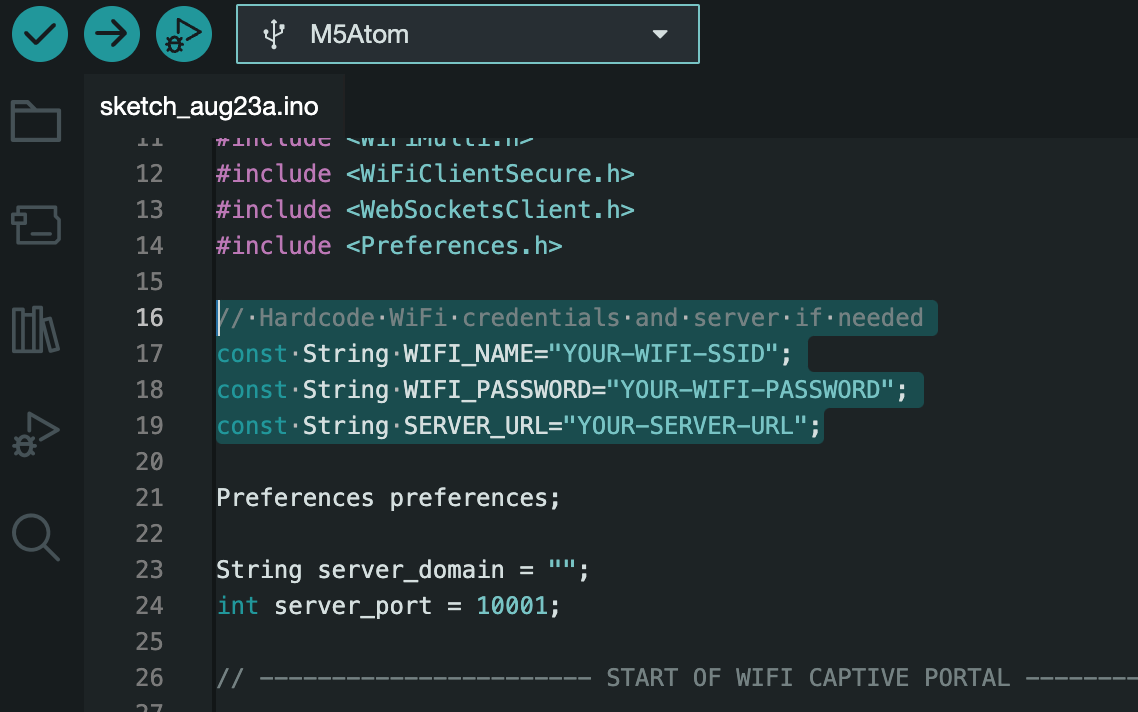 Hardcoding is recommended for a more streamlined setup and development environment. However, if you don’t hardcode these values or if the ESP32 can’t connect using the provided information, it will automatically default to a captive portal for configuration.
client.ino file.Hardcoding is recommended for a more streamlined setup and development environment. However, if you don’t hardcode these values or if the ESP32 can’t connect using the provided information, it will automatically default to a captive portal for configuration.5
Install ESP32 boards
Go to Tools -> Board -> Boards Manager, search “esp32”, then install the boards by Arduino and Espressif.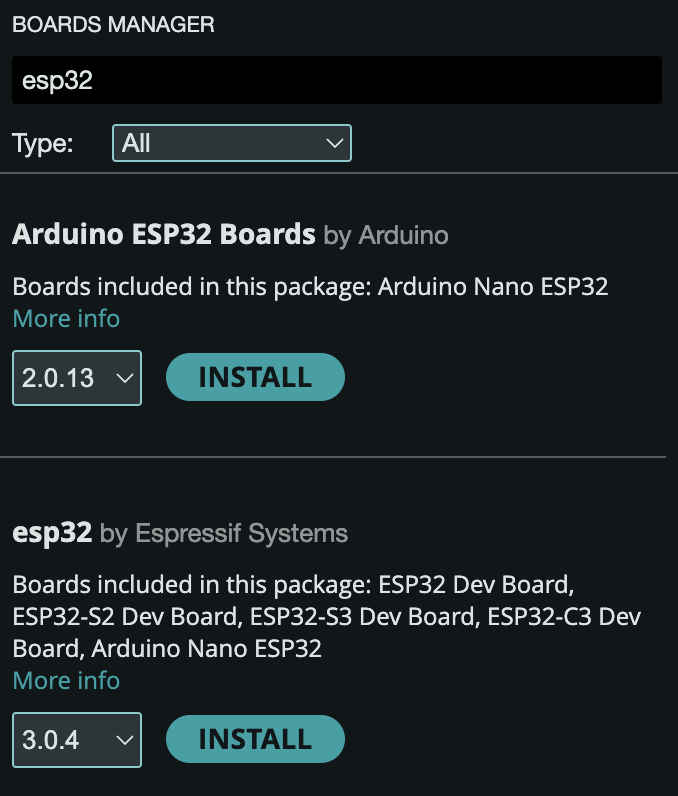
6
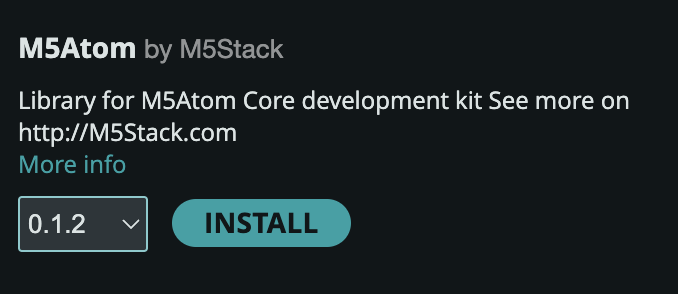
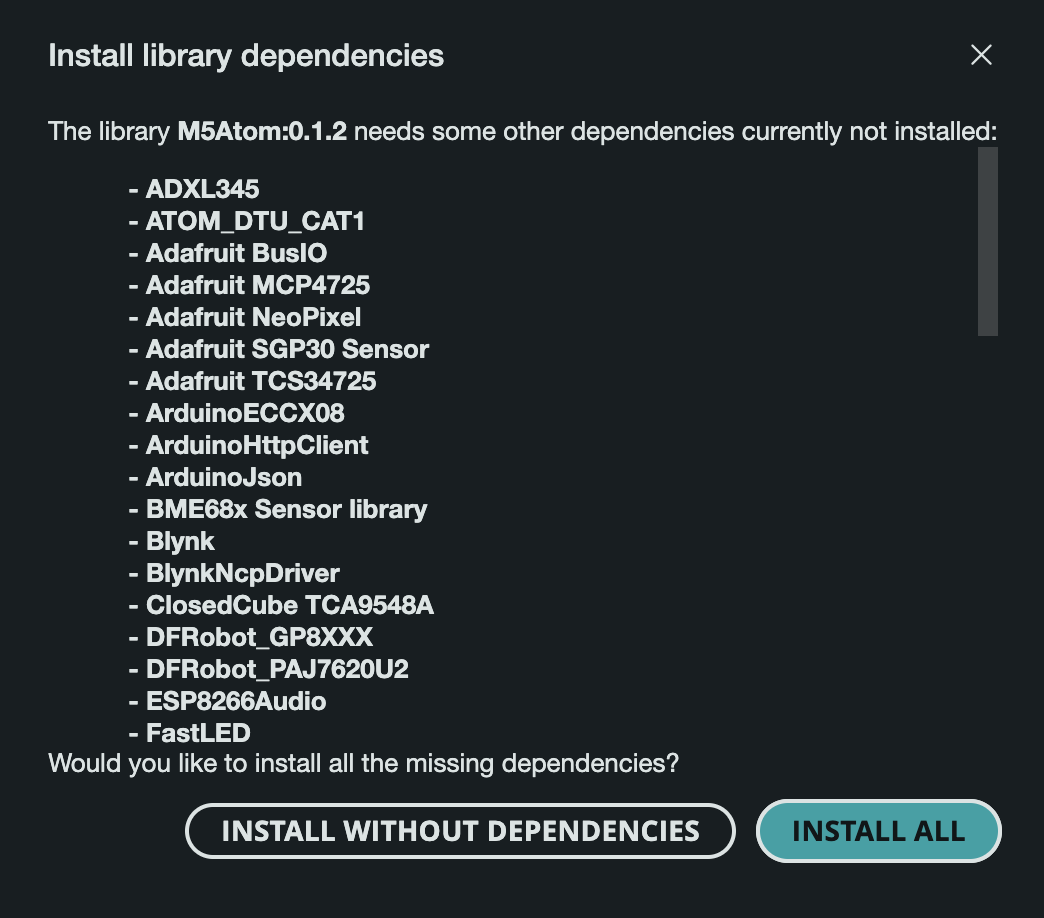
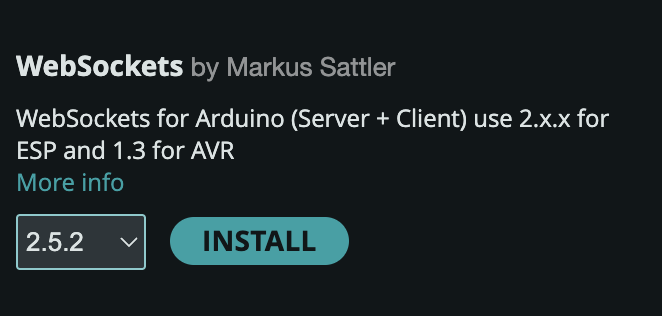
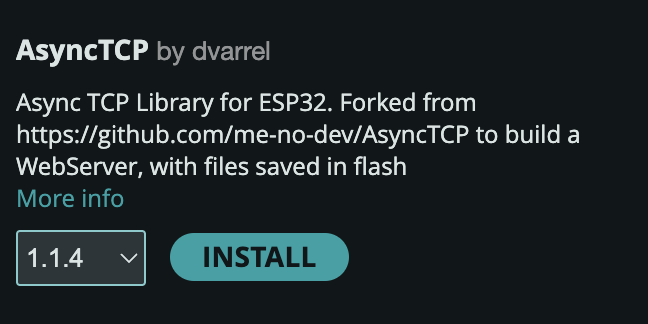
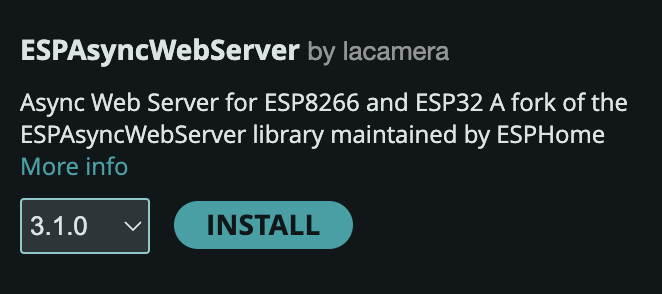
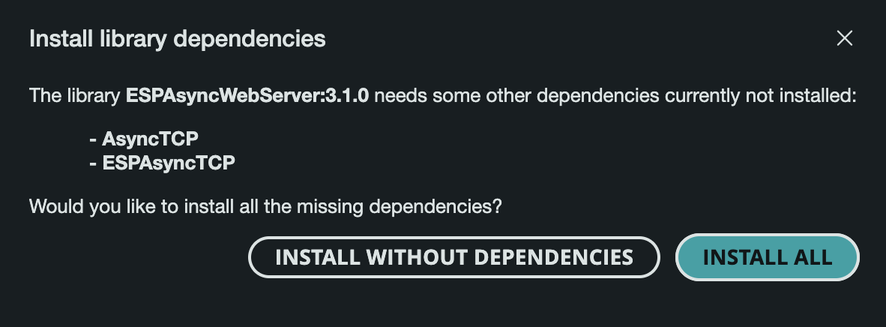
7
Connect the board
To flash the .ino to the board, connect the board to the USB port.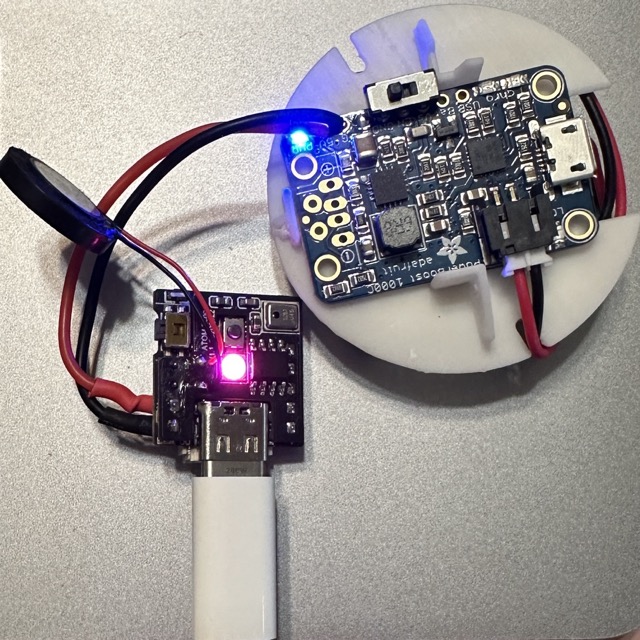
8
Select board and port
Select the port from the dropdown on the IDE, then select the M5Atom board (or M5Stack-ATOM if you have that).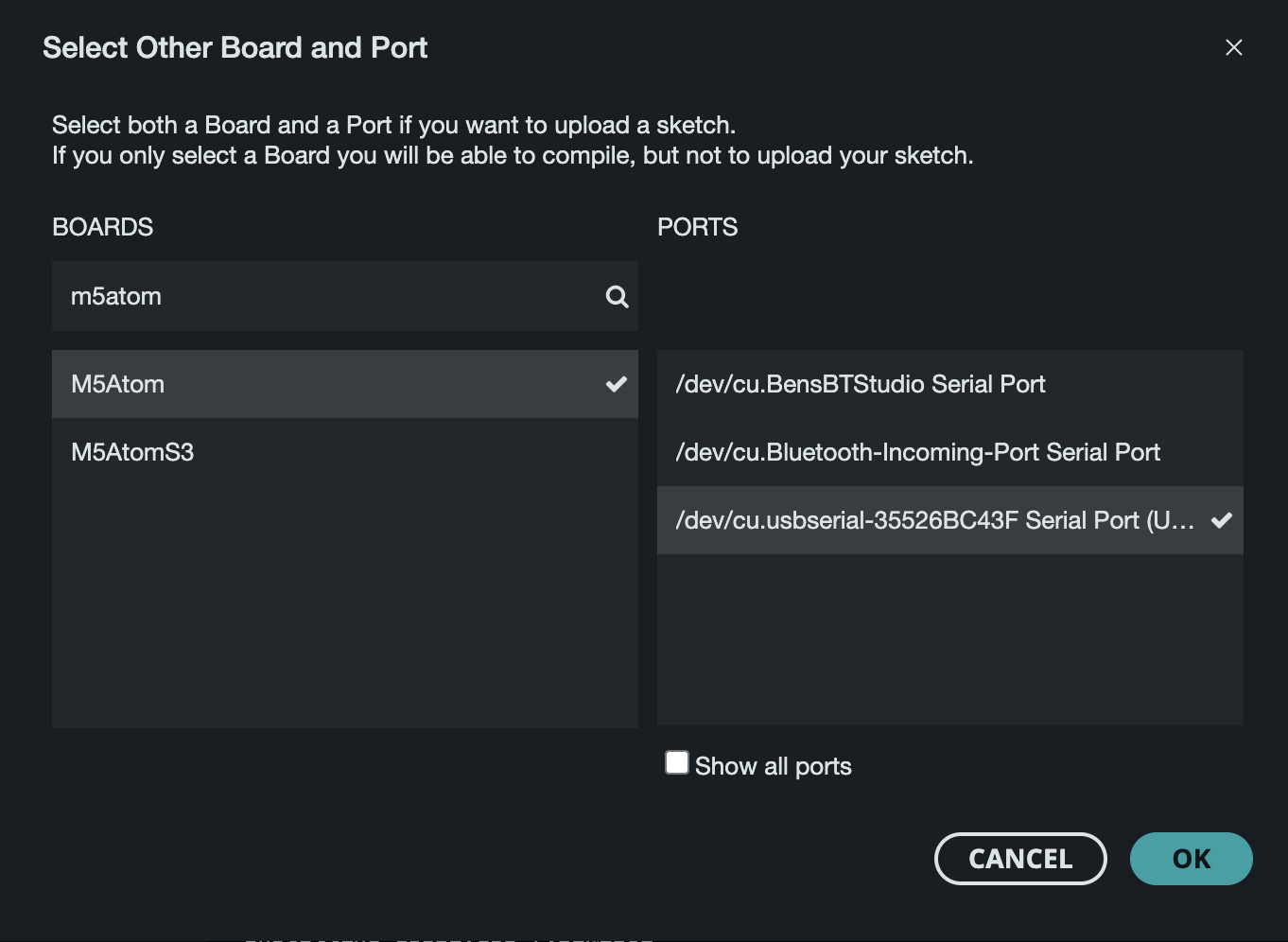
9
Upload firmware
Click on upload to flash the board.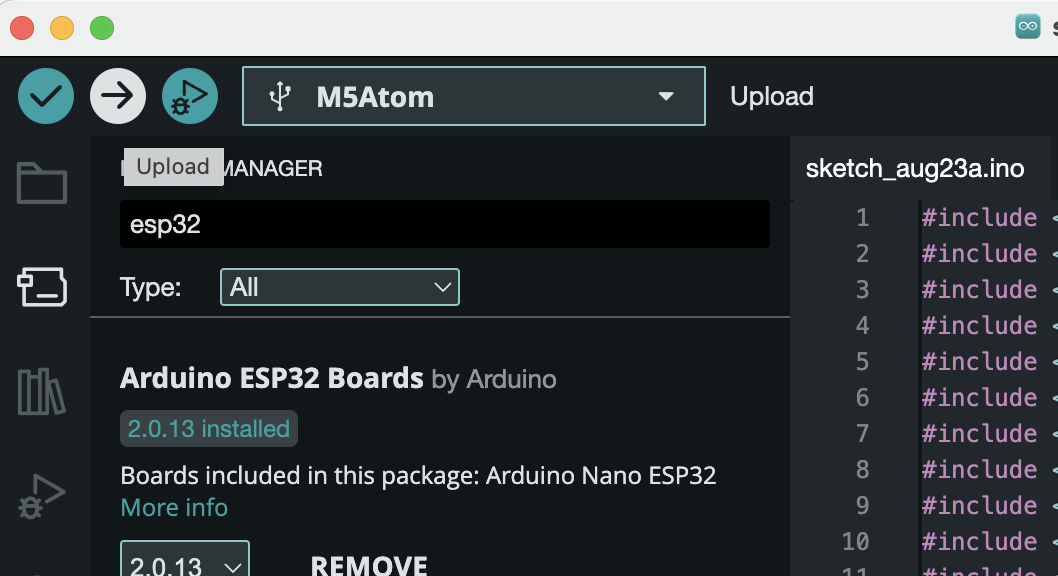
10
Start the 01 server
Start the 01 server on your computer:This command starts the server and generates a URL.For remote connections, use:This generates a public URL accessible from anywhere.
11
Connect ESP32 to the server
Connect your 01 device to the server using one of these methods:a) Hardcode credentials:
- Modify the Wi-Fi and server credentials at the top of the
client.inofile. - Flash the modified file to the ESP32.
- This method is quick but less flexible for changing details later.
- Power on your 01 device.
- Connect to the ‘01-light’ Wi-Fi network from your computer or smartphone.
- A captive portal page should open automatically. If not, open a web browser.
- Enter your Wi-Fi details and the server URL from step 1.
- Click ‘Connect’ to save settings and connect your device.